
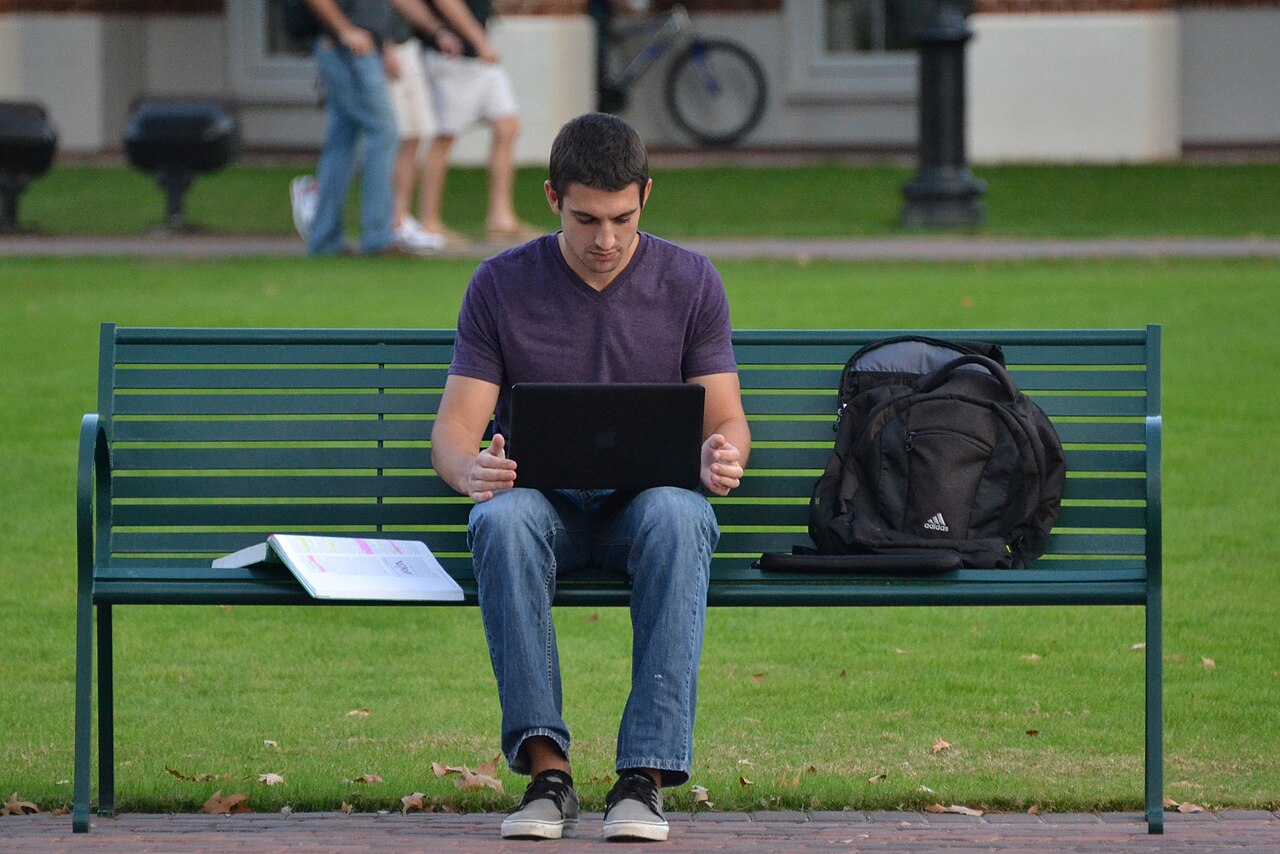
This is part of our tech gadgets buying guide. A student’s laptop lives in a backpack, gets carried between classes all day, and needs to survive a full day without hunting for an outlet, priorities that differ meaningfully from a general work laptop that mostly stays at one desk.
MacBook Air: the default for good reason
Apple’s MacBook Air combines genuinely excellent battery life, light weight, and a fanless design (silent operation) that makes it a common default recommendation for students specifically. Its main tradeoff for some students is the higher entry price than comparable Windows laptops, and less native compatibility with specific Windows-only software some courses require, worth checking against your specific program’s requirements before assuming it’s a universal fit.

Dell Inspiron and XPS: strong Windows options
Dell’s Inspiron line covers the budget-to-mid-range Windows laptop space well, while the XPS line offers a more premium build at a higher price closer to MacBook territory. For students needing Windows specifically, for course software compatibility or personal preference, these represent a reliable, well-supported choice with a broad range of price points.
Lenovo IdeaPad and ThinkPad: durability-focused options
Lenovo’s ThinkPad line has a long-standing reputation for physical durability, spill-resistant keyboards, robust hinges, that matters more for a laptop getting knocked around in a backpack daily than most spec sheets capture. The IdeaPad line covers a more budget-friendly tier for students prioritizing price over the ThinkPad’s business-grade build quality.
Chromebooks: the budget-conscious, web-first option
A Chromebook runs ChromeOS rather than full Windows or macOS, built around web-based work, browser tabs, Google Docs, streaming, at a notably lower price point than comparable Windows or Mac laptops. This is a genuinely good fit for students whose coursework is primarily web-based and who don’t need to run specific desktop software (specialized engineering or design applications, for instance), worth confirming against your specific program’s software requirements before committing.

Comparison
| Laptop | Best for | Key strength |
|---|---|---|
| MacBook Air | All-around student use | Battery life, portability |
| Dell Inspiron/XPS | Windows-required coursework | Broad price range |
| Lenovo ThinkPad | Durability, heavy daily carrying | Build quality |
| Chromebook | Web-based coursework, tight budget | Lowest price |
Battery life: the spec that matters most in practice
For a student carrying a laptop between classes without reliable outlet access all day, real-world battery life, not the optimistic manufacturer-claimed number, is often the single most important spec. Manufacturer battery estimates typically reflect light, best-case usage; expect meaningfully less under actual note-taking, video calls, and web browsing. Reading independent, hands-on reviews’ real-world battery testing is worth the extra few minutes over trusting the spec sheet number alone.
Storage and RAM: don’t undersize this to save money
A laptop with too little storage or memory becomes frustratingly slow within a year or two as software and your own files accumulate, a false economy that costs more in frustration than the modest upfront savings were worth. For a student laptop expected to last three to four years through a full program, err toward more storage and memory than the absolute minimum a program’s stated requirements suggest.
Warranty and repair considerations
A laptop living in a backpack and getting used daily on campus faces real risk of drops, spills, and general wear beyond what a desk-bound machine experiences. Checking a specific model’s warranty terms and, for higher-value purchases, considering accidental damage protection is worth the modest added cost given the realistic risk profile of student daily use.
Common mistakes when buying a student laptop
Buying based on gaming or heavy creative-work specs when the actual coursework need is web browsing and word processing is a common overspend; conversely, undersizing storage and memory to save money is a common mistake that shows up as frustrating slowness well before the laptop’s expected lifespan ends. Buying the newest, most expensive model in a line when the previous generation, once discounted, covers the same actual needs is another frequent, avoidable overspend specific to this category.
Buying used or refurbished for even more savings
A certified refurbished laptop from a manufacturer’s own store or an authorized reseller, backed by a real warranty, often provides significantly better specs for the price than a new budget model, worth genuinely considering for a student on a tight budget. Avoid uncertified used listings without any warranty for something you’ll depend on daily for schoolwork; the savings rarely justify the real risk of an unrepairable failure mid-semester.
Accessories worth budgeting for alongside the laptop itself
A protective sleeve or case is cheap insurance against the daily bumps of campus life, and a portable charger (see our power banks guide) covers the gap on long days between classes without reliable outlet access. Both are modest additions to the overall budget that meaningfully reduce the risk of the laptop itself being damaged or dying at an inconvenient moment.
Related reading
Back to the full tech gadgets buying guide, our guide to best laptops for working from home if your needs shift after graduation, and best AI tools for students for software to pair with whichever laptop you choose.
Frequently asked questions
Is a MacBook or a Windows laptop better for students?
It depends mainly on your specific coursework’s software requirements and personal preference; neither is universally better. Check whether your program requires Windows-only software before committing to a MacBook specifically.
Do I need a laptop with a dedicated graphics card as a student?
Only for specific fields, engineering, video editing, 3D design, gaming, where it’s a genuine requirement. Most coursework, writing, research, general web use, runs fine on integrated graphics, and a dedicated graphics card adds real cost and reduces battery life without benefit for these use cases.
How much should I budget for a student laptop?
A solid, reliable laptop covering typical coursework needs is available at a genuinely moderate price point across all four categories covered here; the higher end of each category’s range buys additional performance headroom and build quality rather than being strictly necessary for most students.



[…] Best Laptops for Students in 2026 […]